Bring your own dbt
How do I run my own dbt project against the warehouse?
Vantage does not run dbt. It gives your workspace a StarRocks user that can build tables in
your own warehouse database, a profiles.yml for it, and a way to register the tables your
project builds so they become datasets.
| Owns | Does not own |
|---|---|
The dbt_<slug> user and its grants, profiles.yml, table discovery and registration | Running dbt, scheduling it, its project, its logs |
| Datasets over the tables you register | Rebuilding them: registration records the columns and row count at that moment |
What the dbt user can do
| Grant | On |
|---|---|
CREATE TABLE, DROP, ALTER, CREATE VIEW | your workspace's database only |
SELECT, INSERT, DELETE | all tables in that database that exist when the credential is issued |
The grant is on tenant_<slug> (preview_tenant_<slug> on preview), so the user cannot
read or write another workspace's database. Raw tables from uploads and syncs live in the same
database, so your models can select from raw_<source> tables directly.
Enable dbt
- Open Integrations and select dbt project.
- Choose a Project for the dbt tables, or leave Shared (tenant-wide).
- Select Enable dbt.
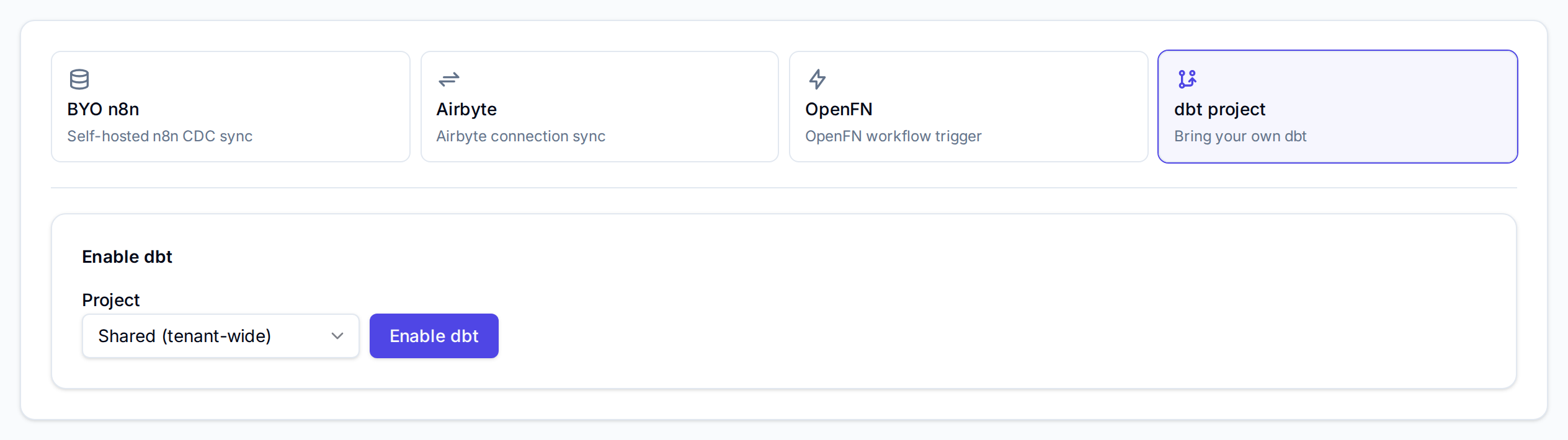
A project needs the editor role in it; Shared (tenant-wide) needs workspace admin.
Enabling creates the warehouse database if it does not exist and adds one dbt source to the
workspace. A workspace has one dbt source; enabling again re-uses it.
Get credentials
- In the Credentials panel, select Get credentials.
- Copy the username and password, or open profiles.yml. They are shown once.
starrocks:
  target: prod
  outputs:
    prod:
      type: starrocks
      host: "<DBT_STARROCKS_HOST>"
      port: 9030
      schema: "tenant_<slug>"
      database: "tenant_<slug>"
      username: "dbt_<slug>"
      password: "<shown once>"
      threads: 4
Every Get fresh credentials drops the user and creates it again with a new password, so the previous password stops working at once. The password does not expire on its own and is not stored: Vault keeps only the username and when it was issued.
host is DBT_STARROCKS_HOST. On the Nomad deployment that is the StarRocks frontend's
address inside the cluster, and the firewall opens only 80 and 443 to the internet, so dbt has
to run where it can reach that address on port 9030: on the cluster's network, or through a
tunnel the operator provides.
Register the tables
- After a dbt run, select Discover tables in Discover & register tables. It lists the tables in your database that are not registered to the dbt source yet.
- Tick the tables to use and select Register selected.
Each table becomes a dataset named dbt_<table>, scoped to the project you chose when
enabling. From there it works like any other dataset: build a
metric model on it, or query it in the SQL editor.