Registry packs and upgrades
Where do packs come from, and how do upgrades treat my edits?
Elly installed a pack into Westlands Trading Project months ago and has since renamed some of its measures and reworked one of its dashboards. A new version is out, and she wants to know what updating will keep and what it will replace.
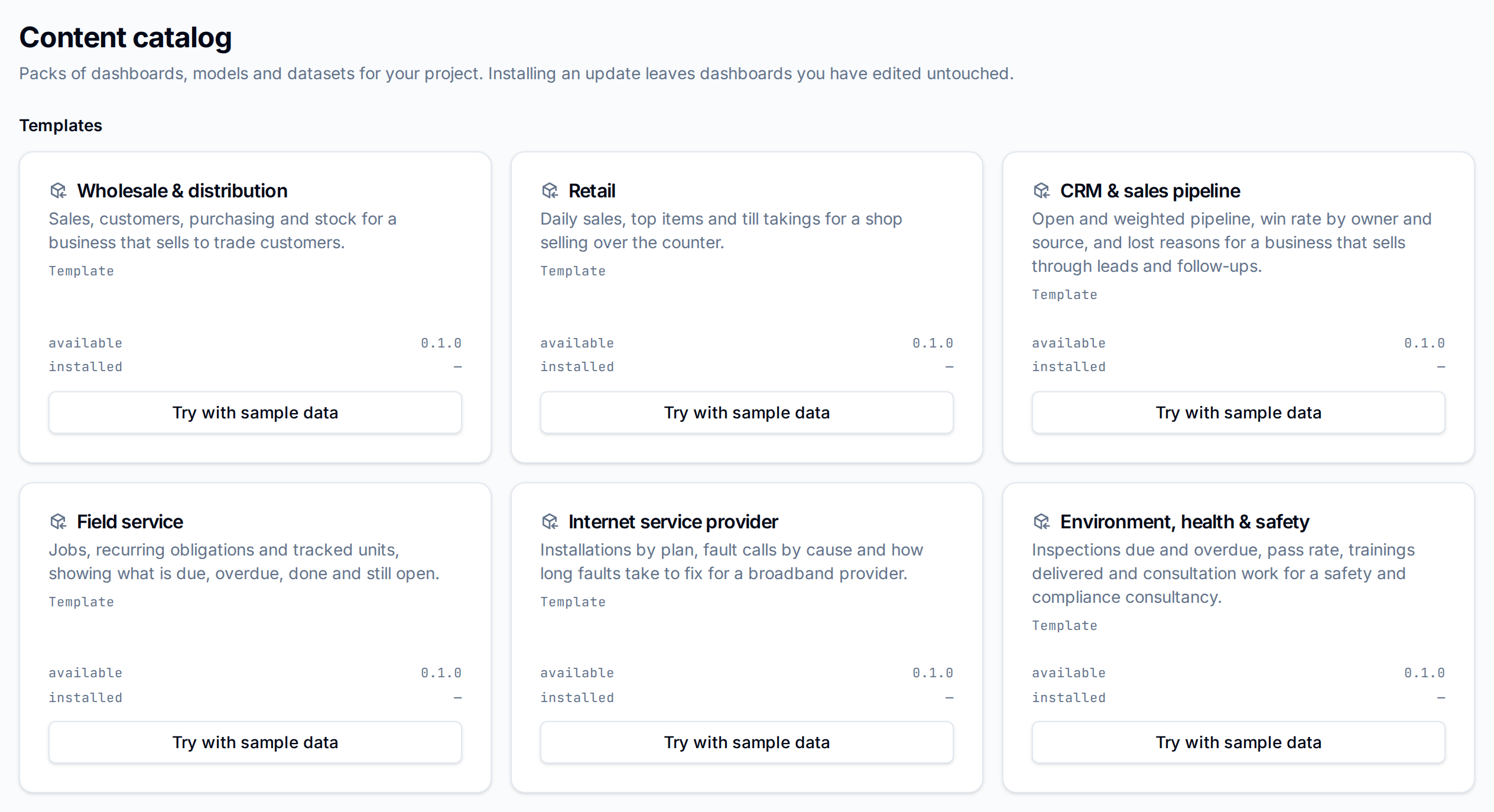
A pack is a set of views, metric models and dashboards that installs into one project. Catalog lists the packs the current project can install, with the version available and the version installed on each card.
Where packs come from
| Section | Comes from | Who installs |
|---|---|---|
| Templates | Built into Vantage, each with its own sample data | Not installed directly: tried with sample data or mapped onto your data (Starter packs and templates) |
| Your packs | Made in this project, by mapping a template onto your data or drafting a starter pack with AI (Make your own pack) | Editors and admins of the project, workspace owners and admins |
| Base packs | The pack registry, in Norims Vantage only: Bytefount's packs over the Norims data feed, and packs Bytefount builds for your organisation | Admins of the project, workspace owners and admins |
Standalone Vantage has no registry, so it shows Templates and Your packs only. A section with nothing in it is not shown.
The registry offers each pack's newest version. A pack the project installed that the registry no longer offers stays on the list with "No longer offered — your dashboards keep working".
Install and update
On the pack's card, select Install. The button reads Update when a newer version is available, and Reinstall when the project already has the latest. When it finishes, Vantage lists each step: sources created, views materialized, models upserted or merged, dashboards created or updated.
What an update keeps
An update compares each piece with what the pack installed last time, so it can tell your changes from the pack's.
| Piece | You changed it since install | You did not |
|---|---|---|
| Dashboard | Left alone: "edited since it was installed" | Replaced with the new version |
| View | Left alone: "edited since it was installed" | Rebuilt from the new version |
| Metric model | Each member, custom measure, join and speed-up setting you changed is kept: "kept your version of" and its name | Takes the new version: "updated" and its name. One the new version drops is removed |
Anything you added yourself, such as your own custom measure, stays. A dashboard or view with the same name as one in the pack that the pack did not install is never touched: "already exists and was not installed from this pack". The first install of a pack over a metric model that already exists merges into it ("merged into your model"), with the pack's version winning where both set the same thing.
When dashboards were left alone, Vantage asks Overwrite edited dashboards? and lists them. Keep my versions keeps your changes; Overwrite (followed by the number of dashboards) replaces them with the pack's and discards your edits. If you keep them, the card says how many dashboards are kept at your version, and Reinstall offers the overwrite again later.
Messages on a card
| Message | Means |
|---|---|
| "Waiting on" and dataset names | The data some views or models need has not arrived. They apply once it lands, without another install |
| "Left out of reporting, so dashboards over these models error:" and model names | A model cannot be served as it stands. Fix it in the dataset's Metrics, or install again |
| "This organization's plan does not include the Norims data feed" | Norims Vantage only: the dashboards stay empty until the organisation moves to a plan with analytics |
Next
- Make your own pack to turn your models into a pack
- Import a template to bring in one made elsewhere
- Vantage inside Norims for the registry and the Norims data feed