Dashboard access
How do I share one dashboard with specific people?
Elly's accountant needs to see the Board pack dashboard every quarter, but nothing else in Westlands Trading Project: not the drafts, the data or the SQL. Elly shares that one dashboard with her.
Access to dashboards follows the project. Everyone in a project sees every published dashboard in it, and Manage access adds people from outside the project to one dashboard. It cannot hide a dashboard from someone who is in the project; to keep a dashboard from some project members, put it in a project of its own (see Projects).
You need the editor or admin role in the project.
Share a dashboard
- Open Projects and select the project.
- On the dashboard's row, open the ⋯ menu and select Manage access. It is there once the dashboard is published.
- Enter the person's Email address, here accountant@example.com, and select Add.
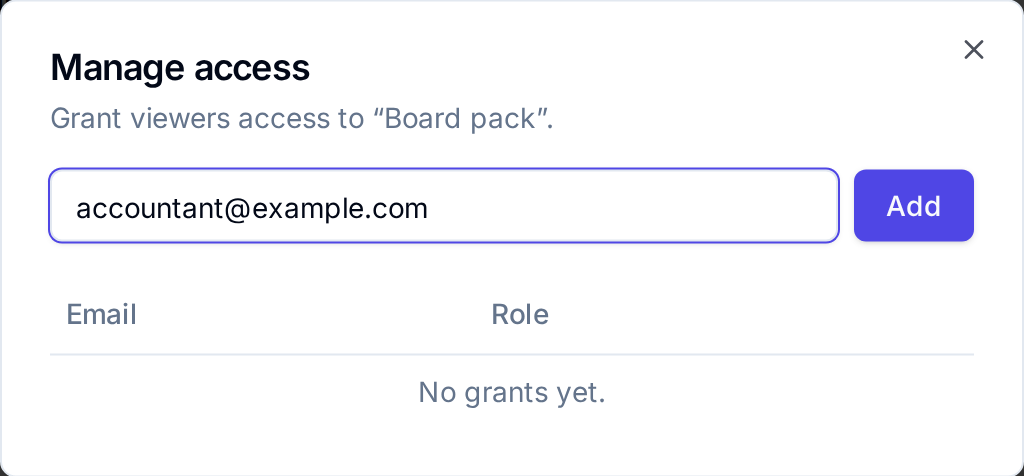
Vantage confirms with Access granted, and the person is listed with the role viewer. They also appear under Access on the dashboard's row.
The person must already be in the workspace: someone who has never signed in is refused with Something went wrong and "No such user in org". Add them to the workspace first (see Members and roles); sharing a dashboard sends no email and no invitation.
What they see
The person can open the dashboard's published version, star it and Export it, and nothing else in the project: not its drafts, other dashboards, data sources or queries.
Send them the dashboard's link. Dashboards lists the dashboards of the project chosen in the project switcher, so someone who belongs to projects of their own does not find the shared dashboard there.
Take access away
Open Manage access again and select Revoke next to the person. Vantage confirms with Access revoked.
Next
- Members and roles to add someone to the whole project instead
- Publish for what viewers of a dashboard see
- Exports to send a copy as a file instead