Publish
How do I publish, and what do viewers see?
Elly's Monthly revenue draft is ready. She publishes it so the depot managers can open it, and gives her accountant, who is not in the project, a view of it too.
You need the editor or admin role in the project.
Publish now
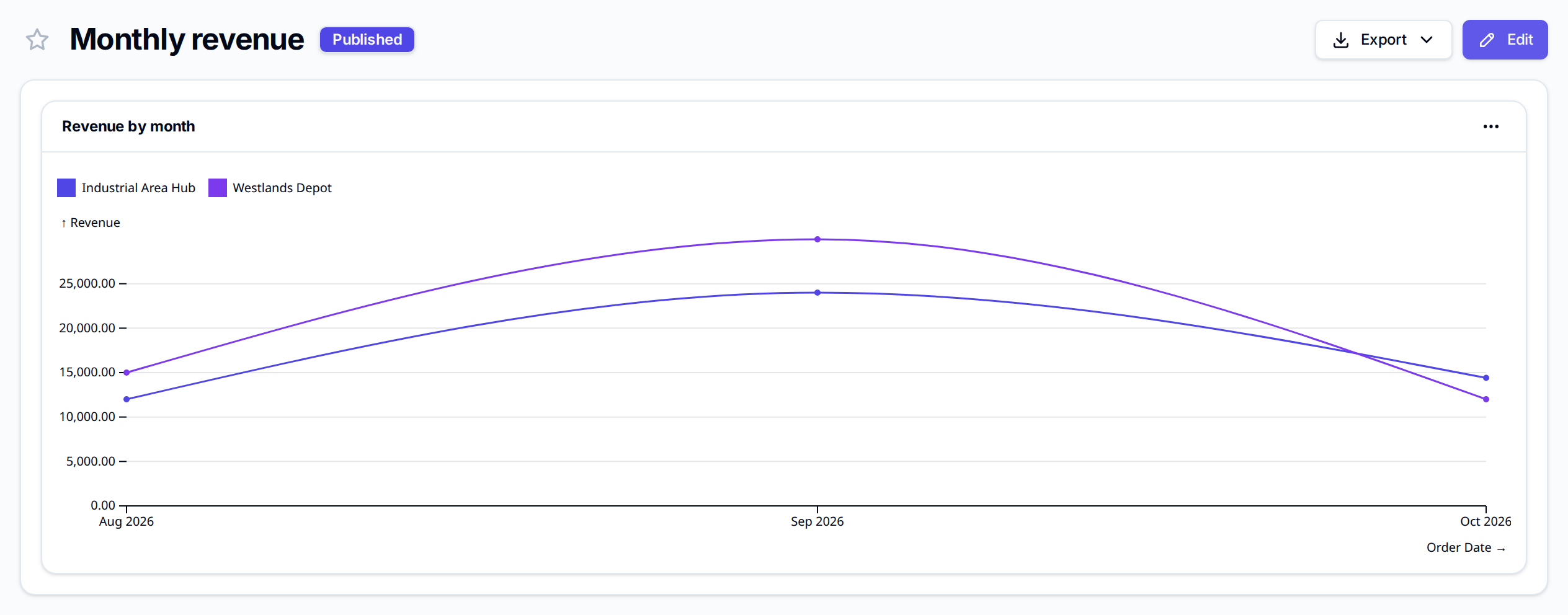
In the builder, select Publish. Vantage confirms with Dashboard published and opens the published dashboard.
Publish sends the draft as it was last saved. If Saving… is still showing next to the buttons, wait for it to go before you select Publish, or the last change stays in the draft only.
If the draft cannot be published, Vantage says Publish failed with the reason.
Schedule a publish
To publish at a set time, for example first thing on Monday:
- In the builder, select Schedule publish.
- Set Publish at. The time is in your own time zone, which the dialog names.
- Select Schedule.
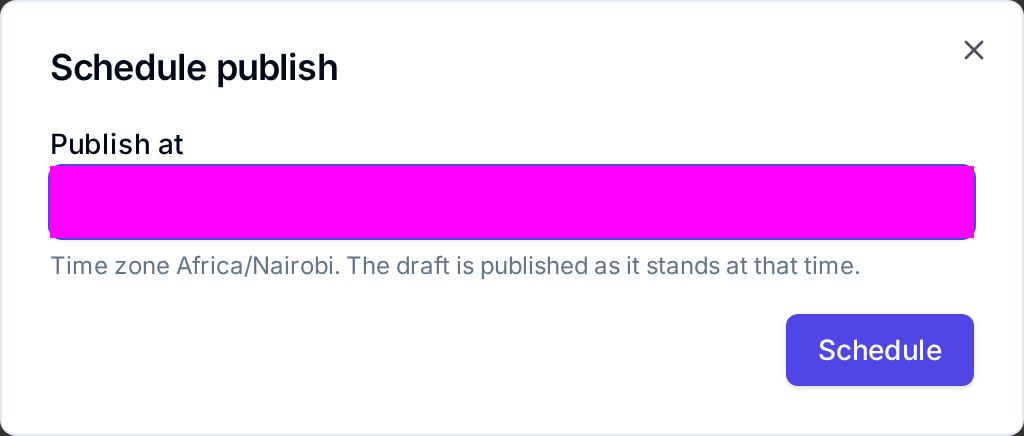
The draft is published as it stands at that time, so later edits go out with it. The builder and the project's dashboard list show Scheduled for and the time; a published dashboard with a newer draft waiting shows Update scheduled for. To change the time, select Reschedule; to stop it, select Reschedule and then Cancel schedule.
The time must be in the future ("Pick a publish time in the future"). Archiving a dashboard drops its schedule, and an archived dashboard has to be restored before it can be scheduled again.
What viewers see
Everyone in the project can open the published dashboard from Dashboards or Projects. They see the published version only, with the Published badge. They can star it to keep it at the top of Dashboards, and Export it as PNG or PDF (see Exports). Editors and admins also see Edit, which opens the draft; viewers keep seeing the published version until it is published again.
A dashboard that has never been published shows only "This dashboard hasn't been published yet", and its row in the list shows Draft with no Open.
Share with someone outside the project
- In Projects, on the dashboard's row, open the ⋯ menu and select Manage access. It is there once the dashboard is published.
- Enter the person's Email address and select Add.
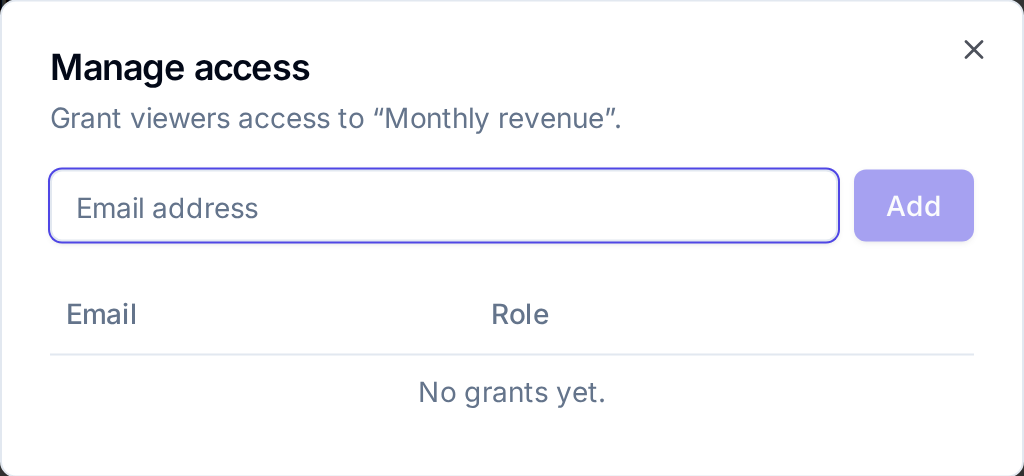
Vantage confirms with Access granted and lists the person as a viewer of that dashboard only. The person must already be in the workspace; otherwise Vantage says "No such user in org". Revoke takes the access away again. Access only adds people: everyone in the project always sees its published dashboards. See Dashboard access.
Next
- Exports to send the dashboard as a file
- Weekly digest to have changes summarised each week
- Manage dashboards to duplicate or delete dashboards