Projects
What is a project, and how do I switch, rename, archive or delete one?
Elly keeps Westlands Trading's sales reporting in Westlands Trading Project. Her marketing lead is starting campaign reporting that the depot staff should not see, so Elly gives it a project of its own.
A project holds dashboards, saved queries and data sources, and has its own members. Each member has a role in it: viewer opens published dashboards and runs queries, editor also builds dashboards, saves queries and adds data, and admin also renames, deletes and manages the project. Workspace owners and admins act as admin in every project. A data source can instead be Shared (tenant-wide), which makes it available to every project.
See your projects
Open Projects. The list on the left shows each project you belong to with your role, its number of dashboards and the people in it. Select a project to see its dashboards on the right.
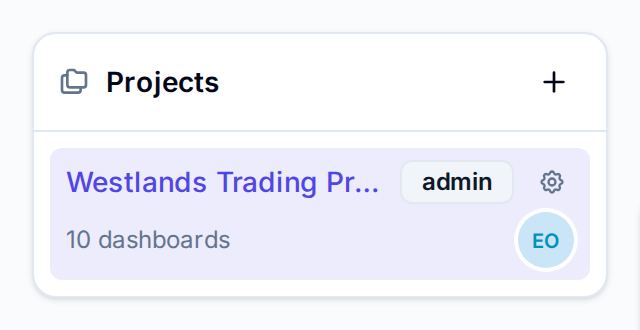
To switch project from anywhere, use the project switcher next to the logo. Dashboards, SQL Editor and Catalog follow the project you pick, and Vantage opens it again next time you sign in.
Create a project
- In Projects, select + (New project) at the top of the list.
- Enter a name, here Westlands Marketing, and select Create.
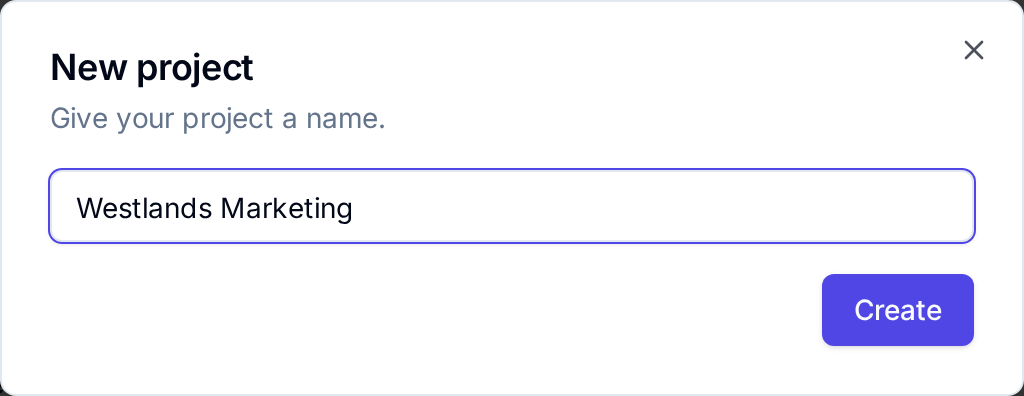
You are the new project's admin, and Vantage switches to it. Add people to it under More → Users (see Roles).
Rename a project
You need the admin role in the project.
- In the Projects list, select the gear icon on the project's row.
- Enter the new name in Project name, here Westlands Campaigns, and select Save.
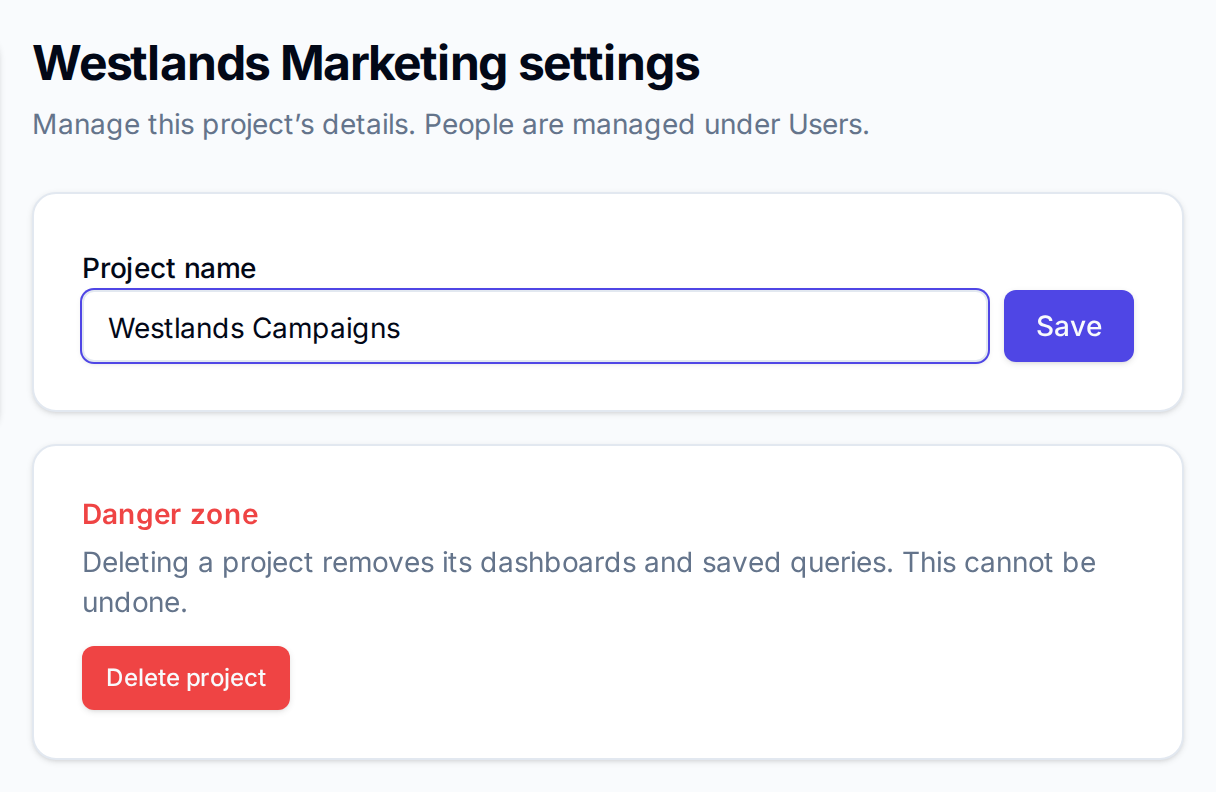
Vantage confirms with Project renamed.
Delete or archive a project
Deleting a project removes its dashboards and saved queries, and cannot be undone.
- On the project's settings page, under Danger zone, select Delete project.
- Type the project's name exactly to confirm, then select Delete permanently.
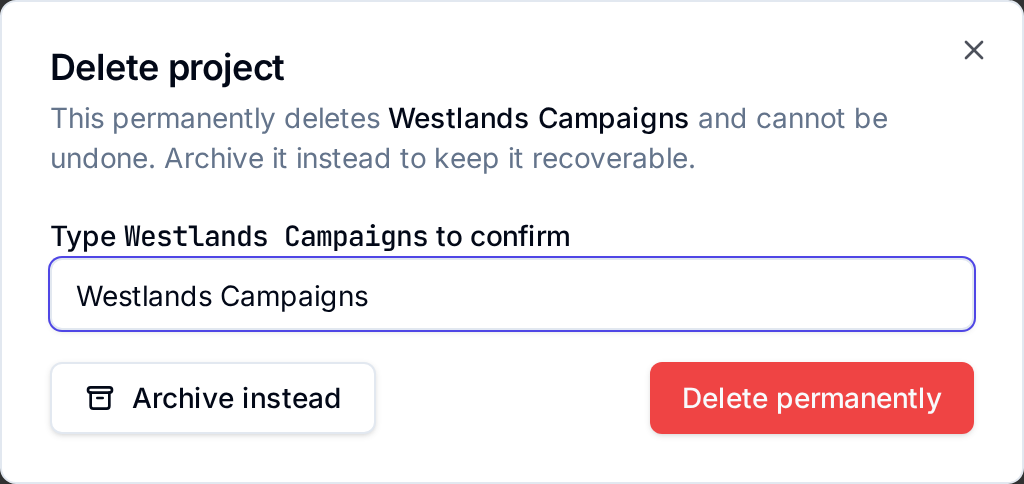
Archive instead hides the project from Projects and the project switcher without deleting anything. Vantage has no page to bring an archived project back, so archive only a project you no longer need to see.
After a delete, Vantage may open an empty page for the project that is gone; choose another project in the project switcher.
A sample project made from a template has its own way out: select Delete sample at the top of its dashboards (see Starter packs and templates).
Next
- Upload a file to bring data into the new project
- Build a draft to make its first dashboard
- Roles to add people and set what they can do